Dashboard
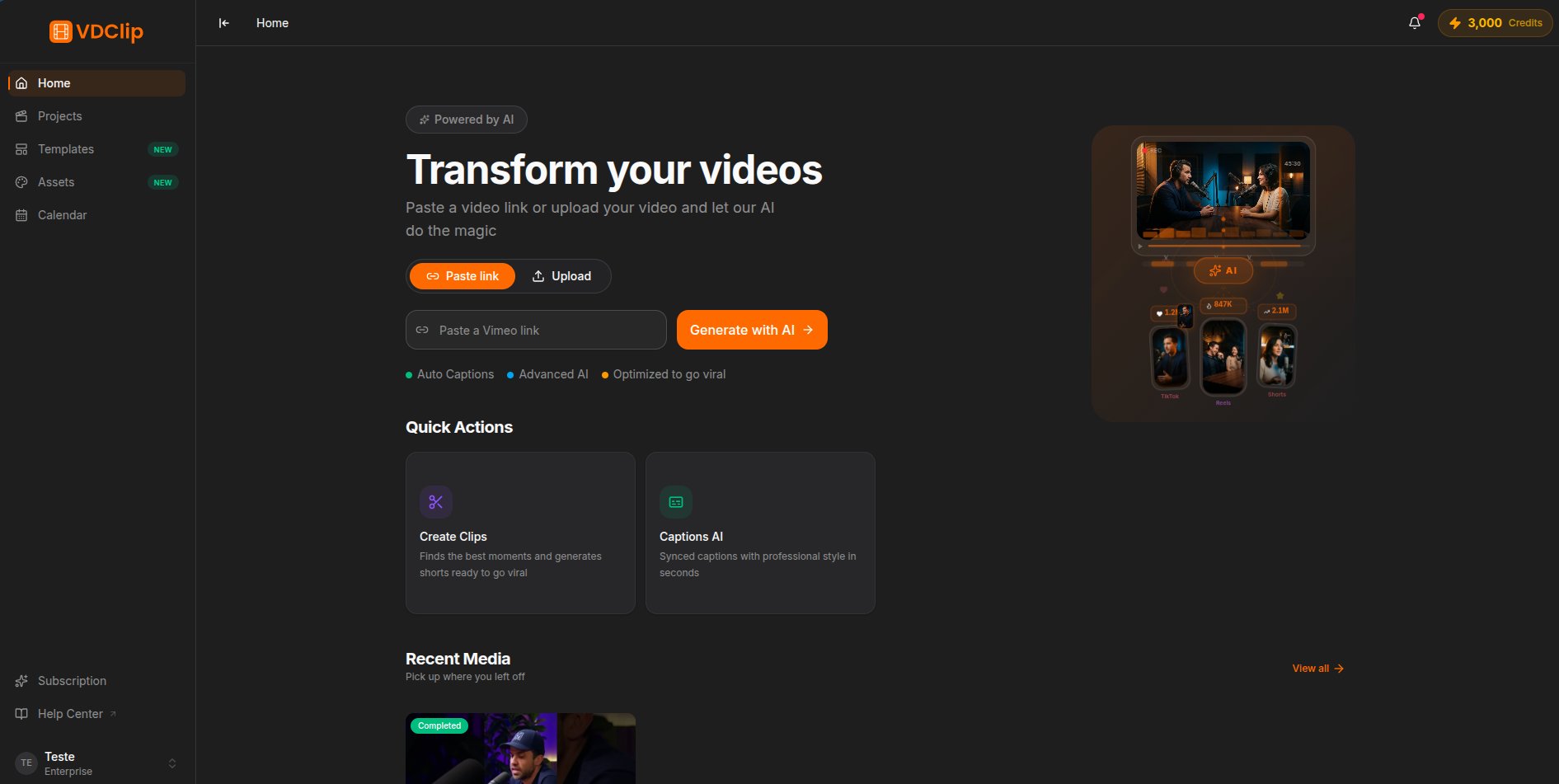
The dashboard is your starting point. Paste a video link or upload a file, pick an AI tool, and VDClip takes care of the rest.
Video Input
At the top of the dashboard you’ll find the input area with two modes:
- Paste Link - paste a URL from YouTube or another supported platform. VDClip downloads and processes the video automatically.
- Upload - drag and drop a video file or click to browse. Supported formats: MP4, WebM, MOV, MKV.
After submitting, you’ll be taken to the processing options screen to configure your AI tool before processing begins.
AI Tools
Quick-action cards let you jump directly into a specific workflow:
AI extracts the best moments as short vertical clips.
Transcribes audio and overlays animated captions on the full video.
Converts your video to a different aspect ratio with smart framing.
Opens the editor on a video you upload so you can cut and finalize it yourself, with no AI and no credit cost. See Editing Your Own Video.
Learn more in AI Systems.
Recent Media
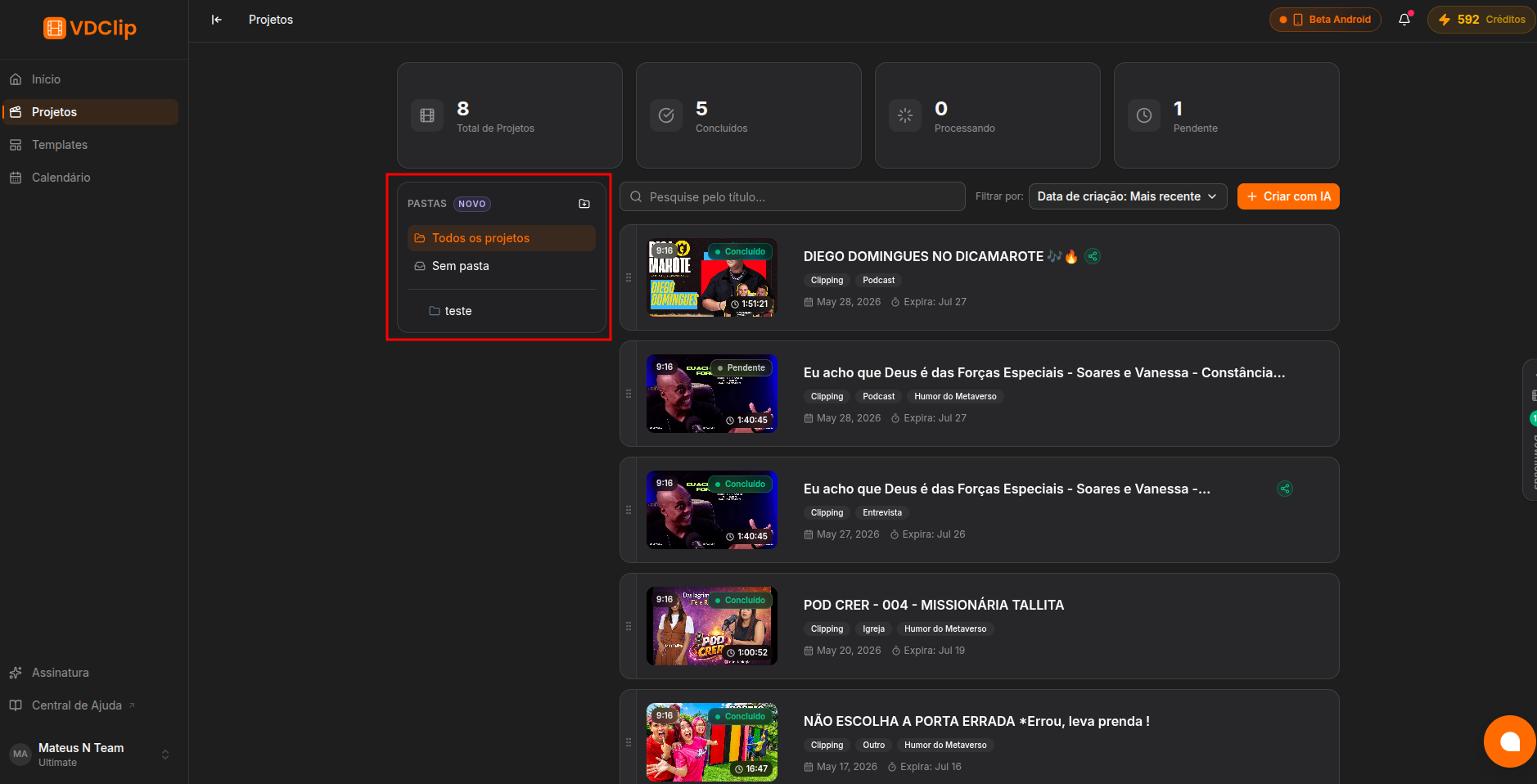
Below the input, the dashboard shows your 4 most recently processed videos - thumbnail, title, status, and the AI tool used. Click any card to open its results. To see your full library, go to Projects.
Sidebar Navigation
Returns to the main dashboard
Credits
Your remaining processing credits appear in the top bar at all times. Credits are consumed when processing starts. Visit the pricing page for plan details.