Intro and Outro
The intro plays before the main content and the outro plays after. Use the intro for a short brand ident and the outro for a call to action. Both are optional and independent.
How to set it up
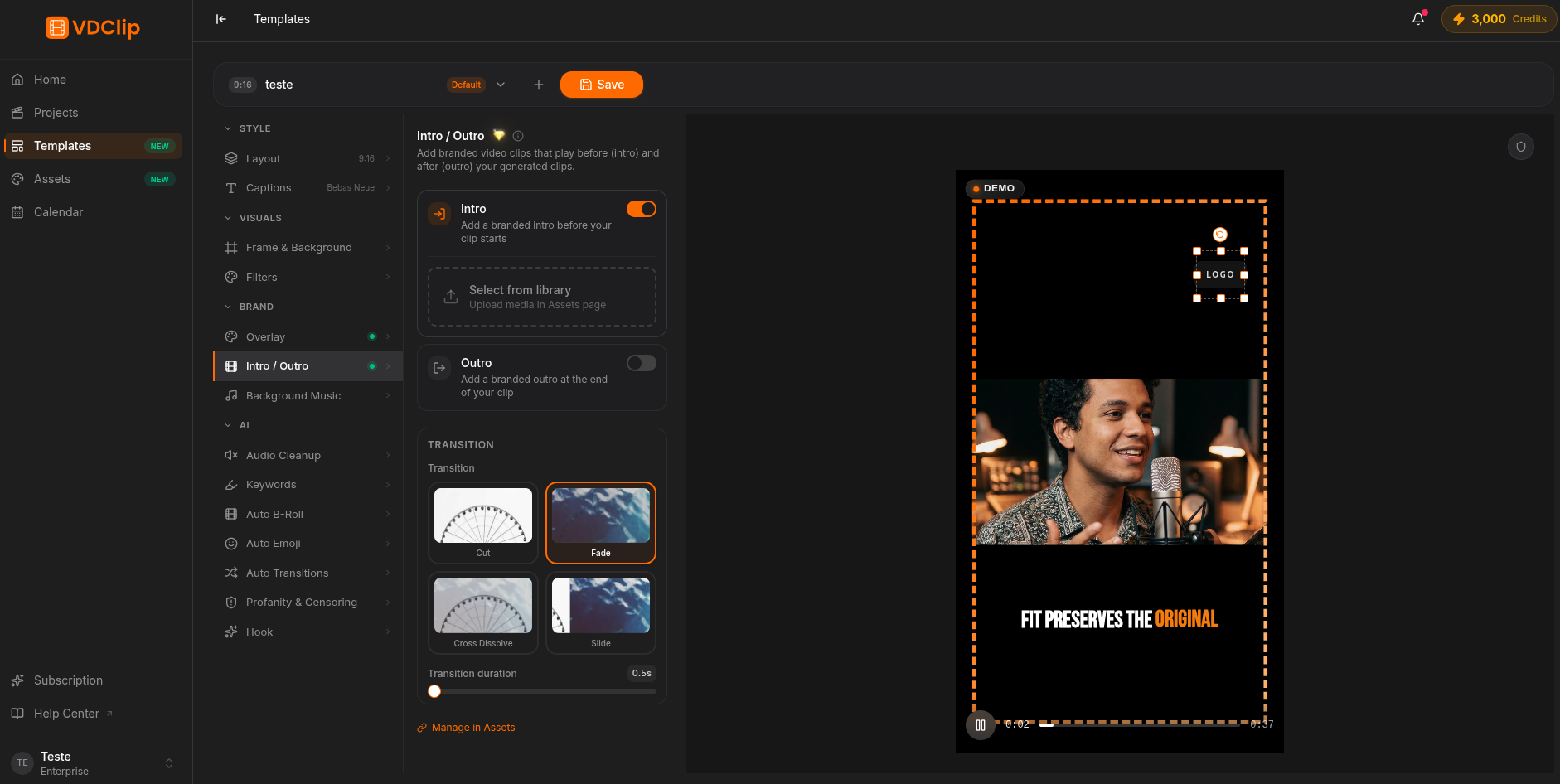
Pick the intro file
In the Intro and Outro panel, open the Intro selector and pick a brand video or image. Files come from the Assets page. Idents of 2 to 5 seconds work best.
Pick the outro file
Open the Outro selector and pick the video or image that closes the clip. 3 to 8 seconds is ideal for a subscribe reminder, a URL, or a discount code.
Choose the transition
Define how each segment joins the clip: Cut (instant switch), Fade (fades to black), Cross Dissolve (one fades while the other appears), or Slide (slides in from a side). Intro and outro can use different transitions.
Adjust the duration
With an image, set how many seconds it stays in the duration field. With a video, the duration is the length of the file itself. Confirm the result in the Preview panel. Everything is saved automatically.
Video or image
Both formats work as intro and as outro. A video plays its own animation and lasts as long as the file. An image becomes a static card, and you set the duration in seconds. Files are managed on the Assets page; pick the ones already uploaded here.